Digital download only — no physical item will be shipped.
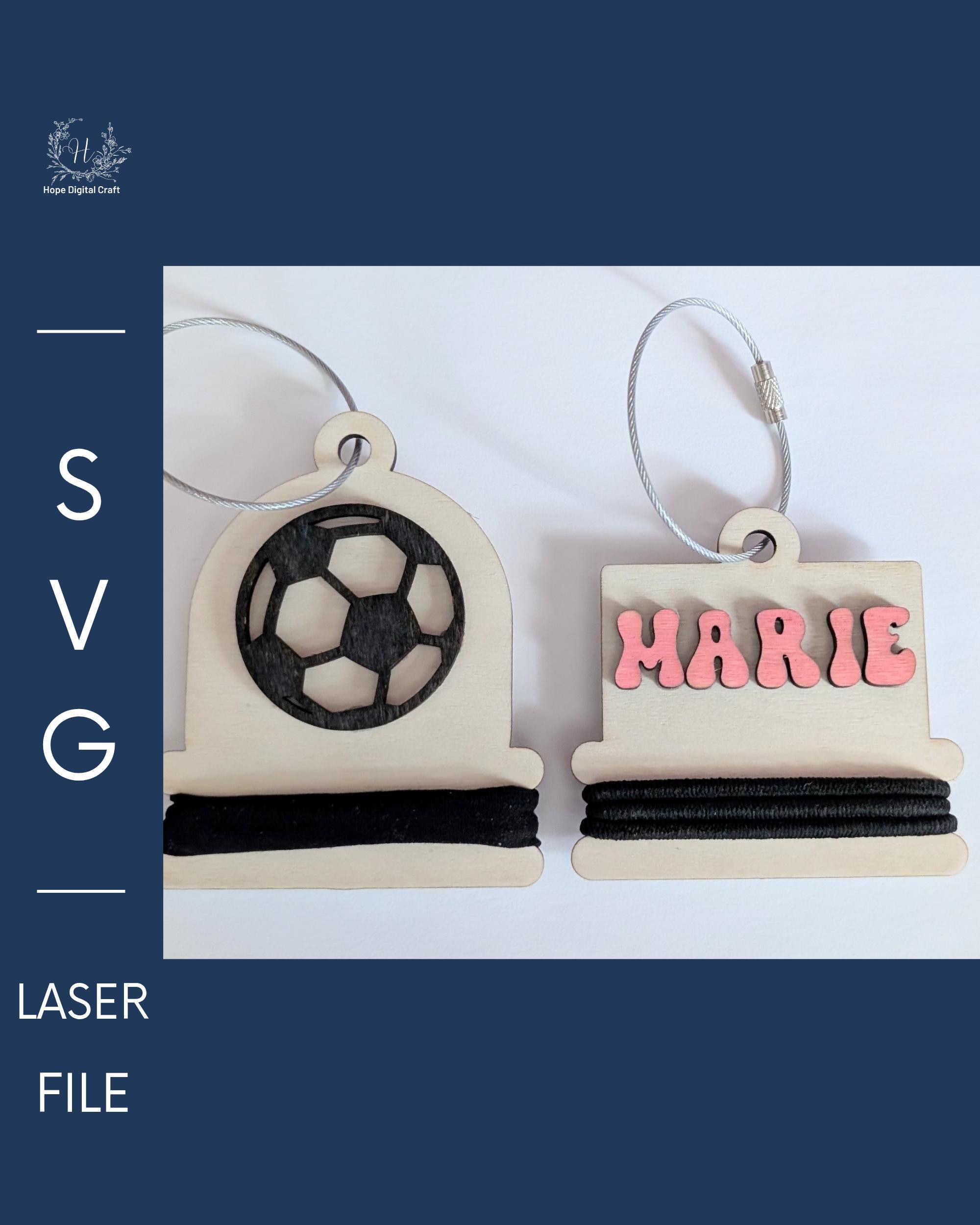
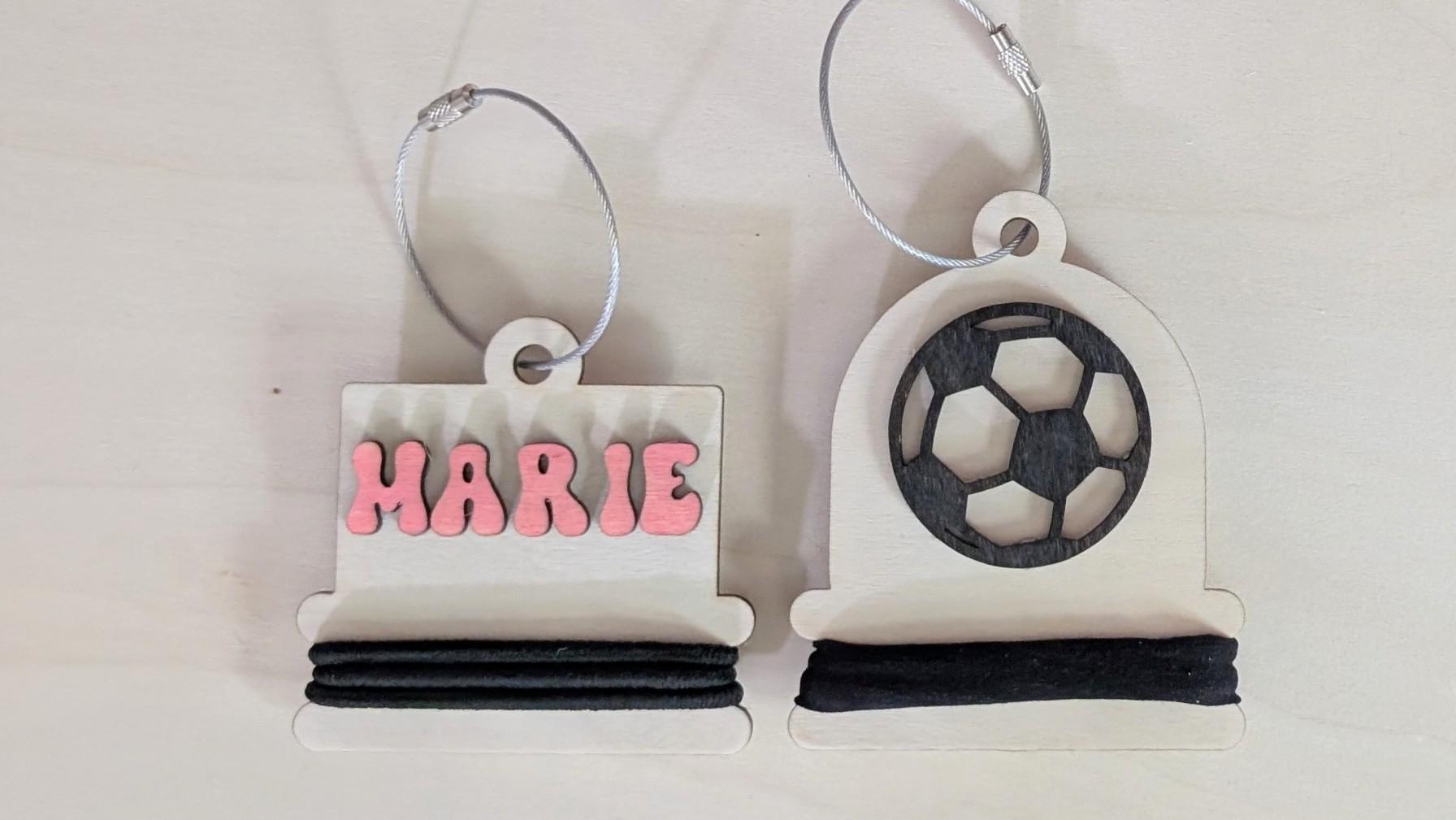
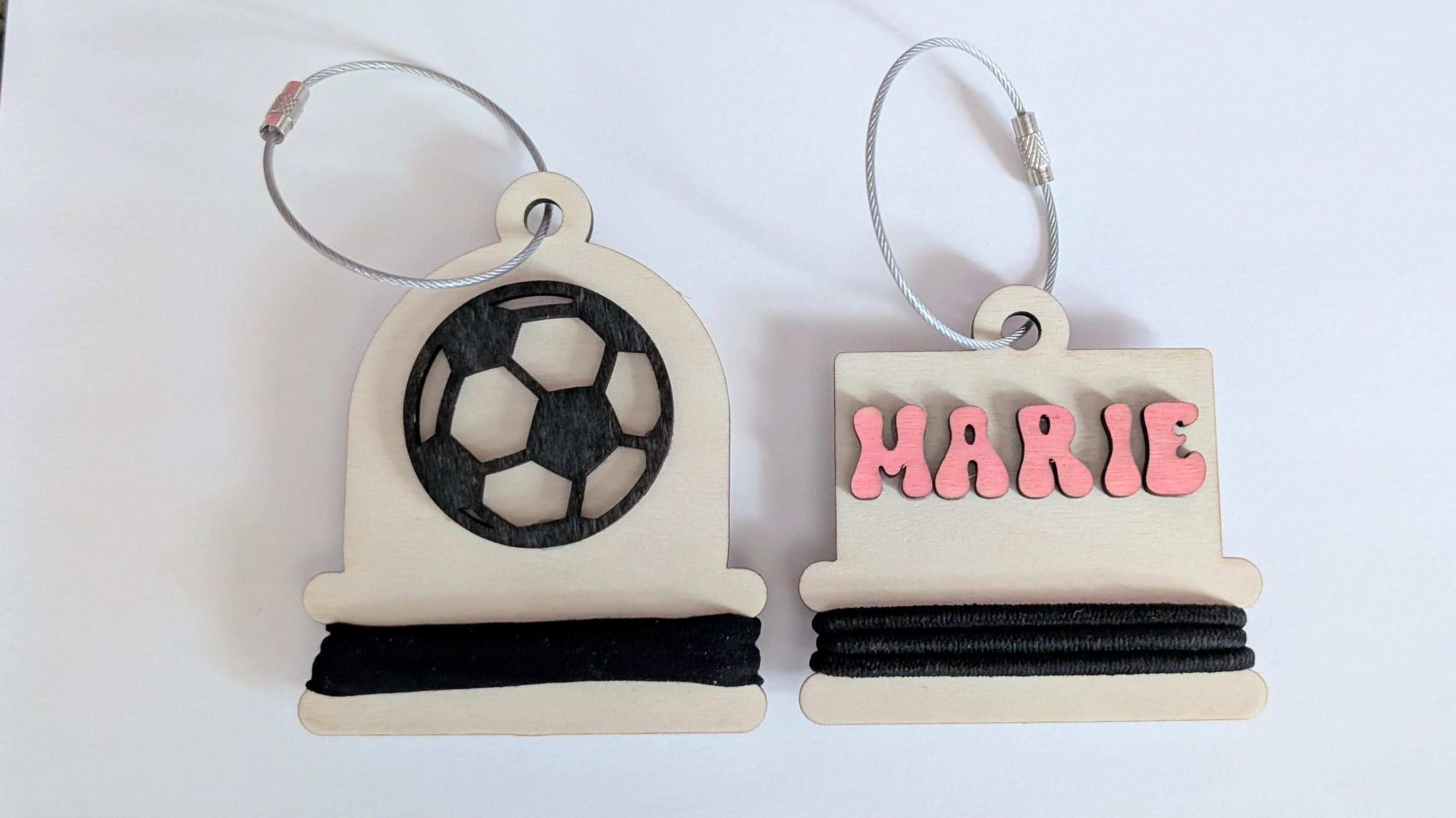
Create personalized wooden hair tie holders with a name, short word, bold icon or sports design.
Fonts and clipart are not included in the blank SVG files. Add your own using compatible design software, or customize the included templates using the fonts and icons available with your Cuttle account. Available options vary between free and Pro accounts.
This digital download includes both round and rectangle holder styles. Use the blank SVG files in your preferred design software, or open the included Cuttle templates for quick and easy customization.
The rectangle style is ideal for names and short words. The round style works especially well with bold icons, sports designs and very short text.
What’s included
Includes 2 SVG files, 1 PDF file.
- 1 blank rectangle Hair Tie Holder SVG
- 1 blank round Hair Tie Holder SVG
- 1 PDF guide with instructions and links to both customizable Cuttle templates
No physical product will be shipped.
Personalize your holder
Add any font or clipart you like using your own compatible design software.
Free customizable Cuttle templates are also included. A free Cuttle account is required to open and customize the templates. You do not need Cuttle to use the included blank SVG files.
The Cuttle templates allow you to:
- Enter a name, word or icon
- Choose a font
- Select recommended icons
- Turn the optional score-placement guide on or off
- Download a ready-to-use SVG
Please check the placement of the blue score guide before cutting. Different icons and fonts may require a small vertical adjustment in your laser software.
Materials & supplies
- Rigid laser-safe sheet material, such as wood or acrylic
- Suitable adhesive
- Optional paint, stain or vinyl
- Cable loop, ribbon or cord
- Hair ties
How to assemble
- Customize your chosen design or use one of the blank SVG files.
- Import the SVG into your laser software.
- Set the red lines to cut and the blue lines to a light score.
- Confirm the size and settings for your machine and material.
- Cut and decorate the top layer.
- Glue the decorative layer onto the backer.
- Add a loop and your hair ties.
Before you make
Laser settings vary by machine, material and material thickness. Always confirm the finished dimensions and perform a test cut when necessary.
Some highly detailed icons may create very small or delicate cut pieces. Bold, simple icons are recommended for the raised 3D layer.
Using the Cuttle templates
The included templates work with a free Cuttle account. Cuttle Pro members have access to additional fonts and icons, unlimited downloads, and a commercial license for selling finished physical products.
Usage terms
You may create and sell finished physical products made with these files as a small business.
You may not resell, share, redistribute or otherwise provide the digital files—or any part of them—to another person. Uploading these files or elements from them to print-on-demand websites is prohibited.

Reviews
There are no reviews yet.